


All-in-one Disk Cleaner

Take control of the space on your drive with Disk Cleaner; scan, review, and clear junk files safely on Windows and Mac.

  • Scan Junk: Find temporary files, app and browser caches, logs, crash reports and old installers in a single pass.
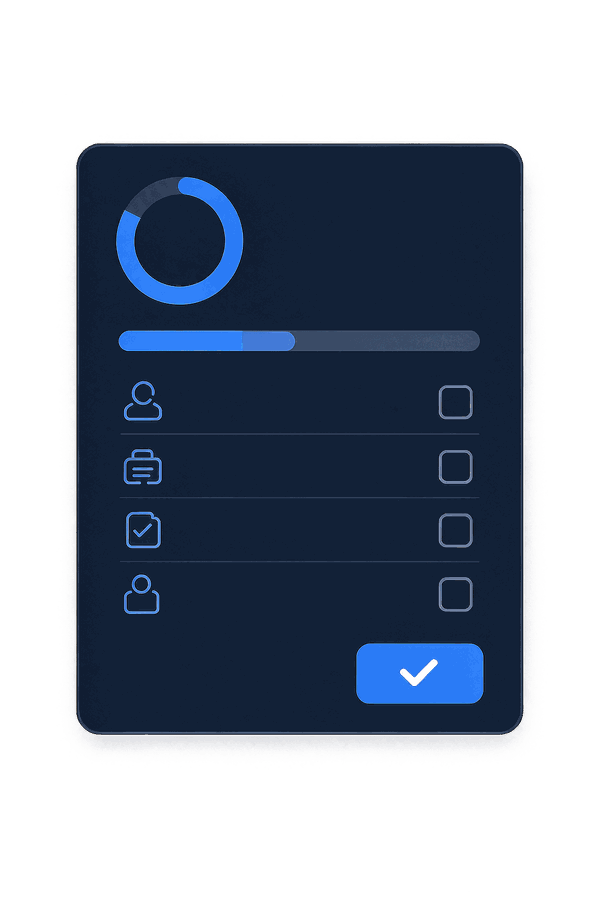
  • Review Items: See exactly what each category contains and how safe it is before anything is selected.
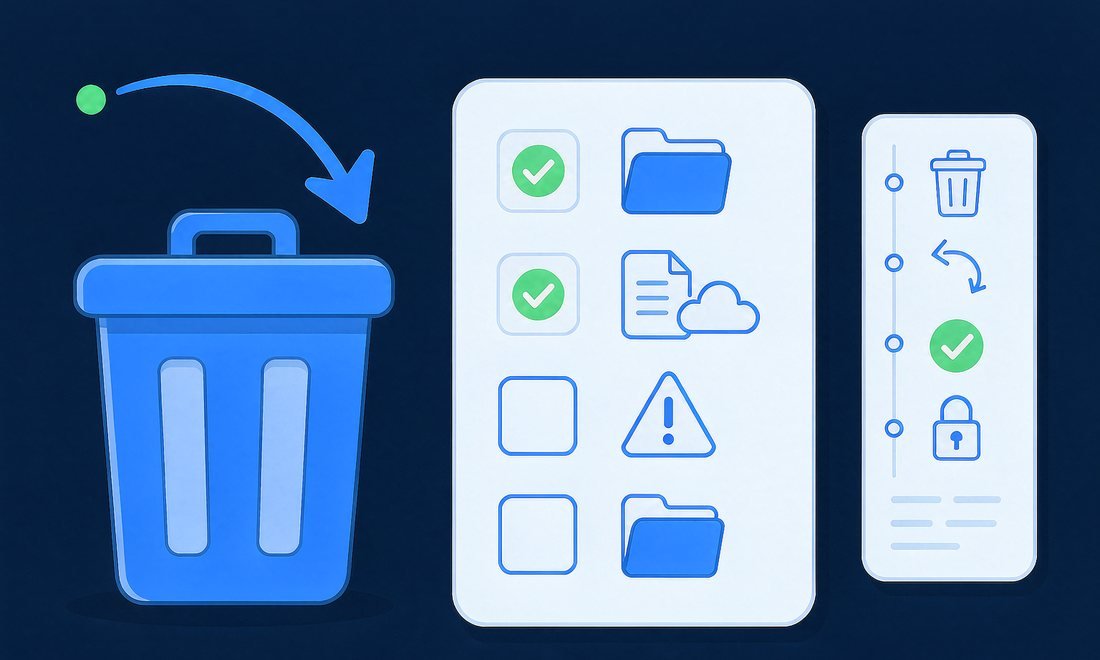
  • Clean Safely: Send selected files to the Recycle Bin or Trash, so every cleanup can be undone.
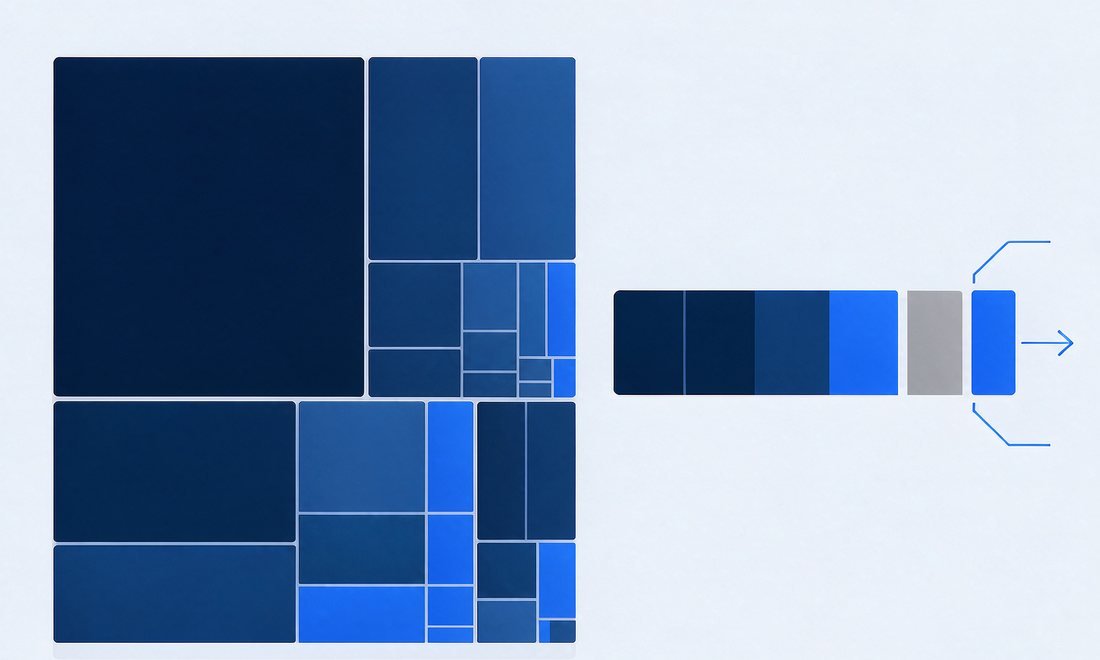
  • Find Large Files: Surface forgotten videos, disk images, backups and downloads with a visual space map.
  • Clear System Data: Break down the grey bar on a Mac into snapshots, Xcode leftovers and old device backups.
Disk Cleaner product illustration

Everything You Need to Reclaim

Disk Cleaner stands out with its clear results, cautious defaults and readable logs. It is built for anyone who needs reliable disk cleanup software, and features like smart scan, scheduled alerts and a visual space map make storage easy to manage.

Smart Scan

One pass checks temporary files, caches, logs, thumbnails, update leftovers, developer caches and the Recycle Bin, then shows the space you can reclaim.

Safe by Default

Cleaned items go to the Recycle Bin or Trash, system folders are never touched, and caches of running apps are always skipped.

Clear Explanations

Every category says what it is and how safe it is to remove; anything that needs a second look is never pre-selected.

Space Map

See the largest files in your home folder at a glance and filter for items untouched in the last six months.

Mac System Data

Break down a grey bar that can pass 100 GB into Time Machine snapshots, Xcode support files, device backups and system caches.

Scheduled Alerts

Low-space alerts and scheduled scans tell you when to clean, but nothing is ever removed until you click Clean.

One Scan, Every Category: See Where the Space Went

Disk Cleaner gives you a complete picture in about a minute. Smart Scan checks temporary files, app and browser caches, logs, crash reports, thumbnail caches, old update files, installers, developer caches and the Recycle Bin or Trash. Each category opens to show its largest items, and you can reveal any of them in File Explorer or Finder before deciding.

Disk Cleaner product illustration

Safe by Default: Nothing Leaves Without Your Say

Disk Cleaner only lists files that apps and the operating system create again on their own. Documents, photos and system folders never appear on the list; caches of running apps and data belonging to password managers, security tools and VPNs are left alone. Safe categories are selected for you, while anything questionable stays unticked.

With Disk Cleaner, every cleanup goes to the Recycle Bin or Trash and writes a log you can read.

Old Files and System Data: Reclaim the Hidden Gigabytes

Space Map shows the biggest items in your home folder as a simple visual map: old videos, disk images, backups and downloads you forgot about. Filter to files you have not opened in six months, then move only the ones you choose to the Recycle Bin or Trash with Undo.

On a Mac, the grey System Data bar in Storage settings can grow past 100 GB with no way to inspect it. Disk Cleaner separates the parts you can act on, from Time Machine local snapshots and Xcode device support files to old iPhone backups and mail attachments, from the parts macOS manages itself. Scheduled scans and low-space alerts keep a small SSD breathing, and the app never cleans on its own.

Disk Cleaner product illustration

Why Choose Disk Cleaner

It’s time to free up disk space without guesswork

No Pop-up Ads
Reversible Cleanup
100% Offline Scanning
30-Day Money Back

Our Users Love Fonkik Disk Cleaner!

I look after a small fleet of laptops, and the same warning appears every few months: the drive is almost full. Disk Cleaner shows which caches and update leftovers are safe, and I can hand the review to whoever owns the machine. The activity log also makes it easy to explain exactly what was removed and when.

User avatar 4
Victor
IT Administrator
My little 256 GB notebook fills up right before a system update. Disk Cleaner gives me a low-space alert, I run a scan over coffee, and the old installers and browser caches are gone in two clicks. Everything lands in the Recycle Bin first, which is the only reason I feel comfortable doing this myself.

User avatar 1
Helen
Freelance Designer
Exports and renders pile up faster than I can archive them. Space Map puts the biggest files in front of me and the six-month filter finds projects I finished ages ago. I reclaimed more than forty gigabytes in one afternoon, and Undo was there the whole time in case I picked the wrong folder.

User avatar 6
Nina
Video Editor
npm, pip, Gradle and Xcode caches quietly eat a developer drive. Disk Cleaner lists them as separate categories with a plain explanation, so I can clear build leftovers without touching source folders or anything an editor still has open. It has become part of my monthly machine check.

User avatar 2
Owen
Software Developer
I am not technical, so most cleanup tools make me nervous. Disk Cleaner explains every category in ordinary language and only selects the safe ones by default. When I changed my mind about a folder, restoring it from the Recycle Bin took seconds. That is exactly the kind of reassurance I need.

User avatar 5
Claire
Small Business Owner
System Data on my Mac had grown past 80 GB and Storage settings told me nothing. Disk Cleaner broke it down into local snapshots, an old iPad backup and Xcode files I no longer used, while clearly marking the parts macOS should keep. My classroom laptop has room for lessons again.

User avatar 3
Ruth
High School Teacher

Try Fonkik Disk Cleaner Now

Disk Cleaner is a lightweight desktop tool that lets you scan and review every category in a few clicks. With its clear explanations, reversible cleanup and a visual space map, freeing up disk space becomes a decision you can trust.