


I look after a small fleet of laptops, and the same warning appears every few months: the drive is almost full. Disk Cleaner shows which caches and update leftovers are safe, and I can hand the review to whoever owns the machine. The activity log also makes it easy to explain exactly what was removed and when.

Victor
IT Administrator
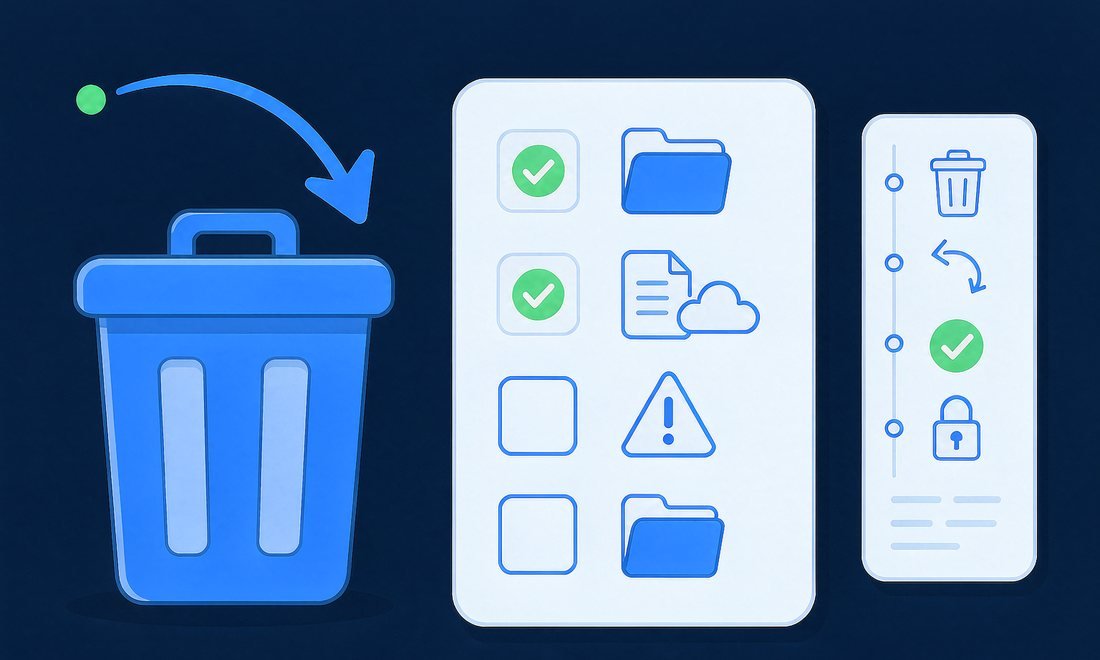
My little 256 GB notebook fills up right before a system update. Disk Cleaner gives me a low-space alert, I run a scan over coffee, and the old installers and browser caches are gone in two clicks. Everything lands in the Recycle Bin first, which is the only reason I feel comfortable doing this myself.

Helen
Freelance Designer
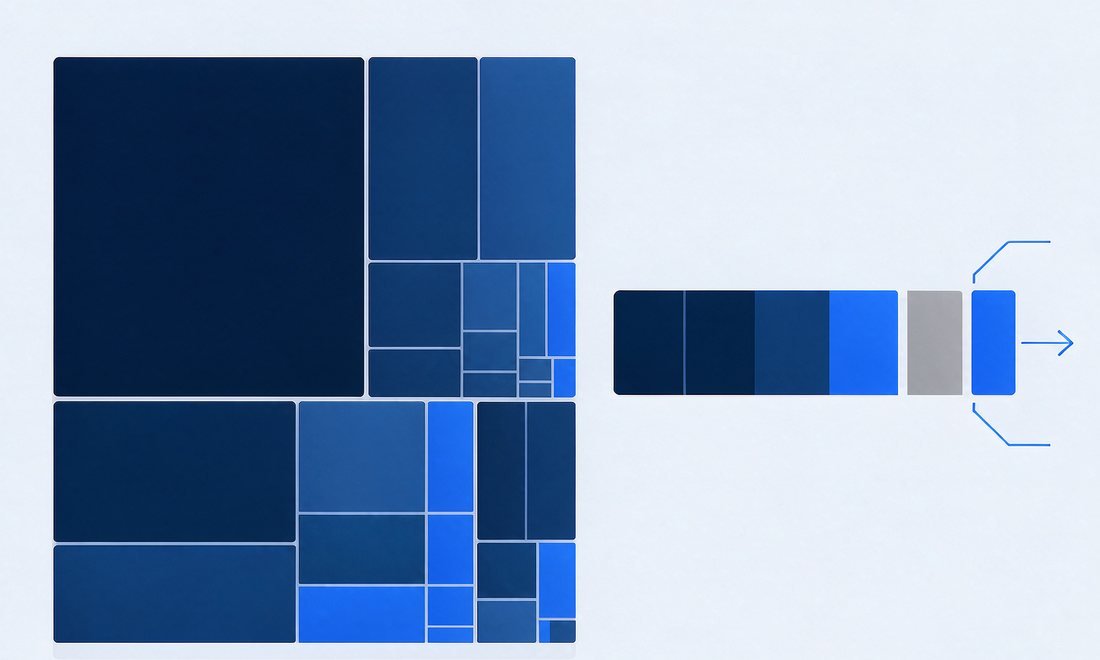
Exports and renders pile up faster than I can archive them. Space Map puts the biggest files in front of me and the six-month filter finds projects I finished ages ago. I reclaimed more than forty gigabytes in one afternoon, and Undo was there the whole time in case I picked the wrong folder.

Nina
Video Editor
npm, pip, Gradle and Xcode caches quietly eat a developer drive. Disk Cleaner lists them as separate categories with a plain explanation, so I can clear build leftovers without touching source folders or anything an editor still has open. It has become part of my monthly machine check.

Owen
Software Developer
I am not technical, so most cleanup tools make me nervous. Disk Cleaner explains every category in ordinary language and only selects the safe ones by default. When I changed my mind about a folder, restoring it from the Recycle Bin took seconds. That is exactly the kind of reassurance I need.

Claire
Small Business Owner
System Data on my Mac had grown past 80 GB and Storage settings told me nothing. Disk Cleaner broke it down into local snapshots, an old iPad backup and Xcode files I no longer used, while clearly marking the parts macOS should keep. My classroom laptop has room for lessons again.

Ruth
High School Teacher