
All-in-one 4K Screen Recorder

Take control of every moment on your screen with Screen Recorder; record, capture, edit, and share videos and screenshots in crisp 4K without lag.

  • Record Screen: Capture the full screen, a single window, or any region at up to 4K and 60 fps with GPU acceleration.
  • Capture Audio: Record system sound, your microphone, or both at once with live level meters and separate tracks.
  • Add Webcam: Show your face in a picture-in-picture overlay, or save the camera feed as its own file.
  • Grab Screenshots: Take sharp PNG or JPG captures in one click and copy them straight to the clipboard.
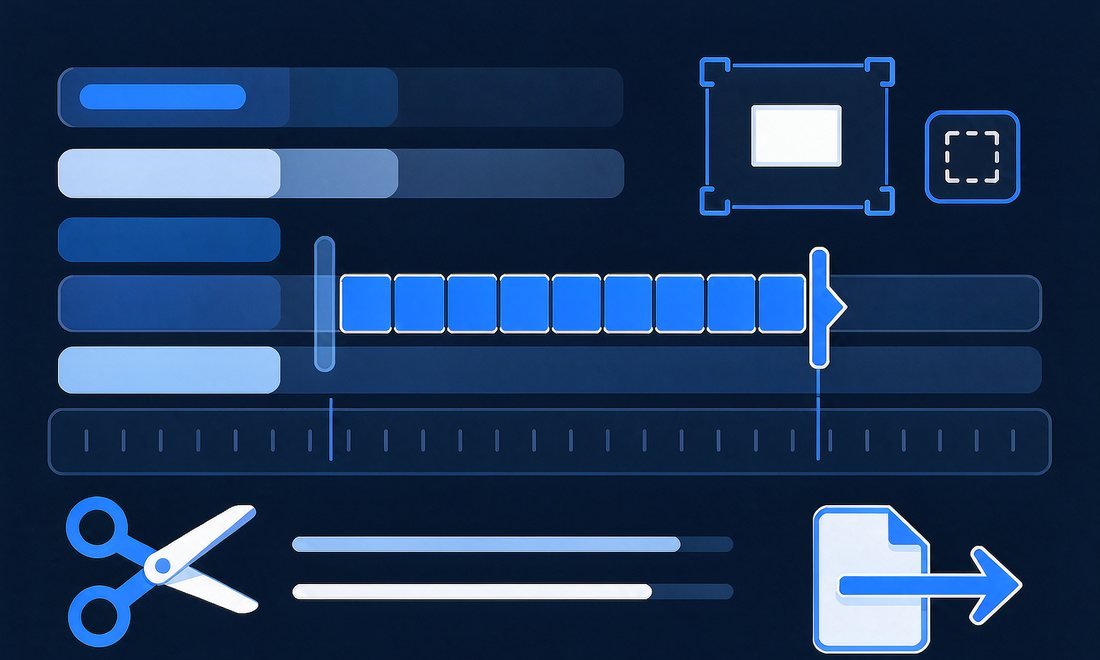
  • Edit Recordings: Trim clips, resize the canvas, add a background or watermark, and export in MP4 or GIF.
Fonkik Screen Recorder for Windows and Mac

Everything You Need to Capture

Screen Recorder stands out with its speed, clarity, and thoughtful controls. It is built for anyone who needs reliable screen recording software every day, and features like GPU encoding, custom hotkeys, and scheduled capture make long sessions easy to manage.

4K at 60 fps

Hardware encoding on NVIDIA, AMD, Intel, and Apple silicon keeps 4K screen recording smooth while leaving your computer free for other work.

No Black Screens

Enhanced Mode on Windows captures protected apps and video players through a virtual display, so what you see on screen is what you get.

Mac System Audio

A dedicated audio driver lets a Mac record internal sound alongside your microphone, with live meters that confirm both sources before you start.

Record Last

Keep only the final seconds of a long session, so one great gaming moment becomes a short highlight instead of hours of footage to cut.

Phone Mirroring

Mirror an iPhone over AirPlay or connect an Android phone by USB, then record its screen with a resizable live preview and device sound.

Built-in Editor

Trim clips, resize the canvas, add a background or watermark, and export from 720p up to 4K without opening another application.

Flexible Capture Modes: Record Exactly What You Need

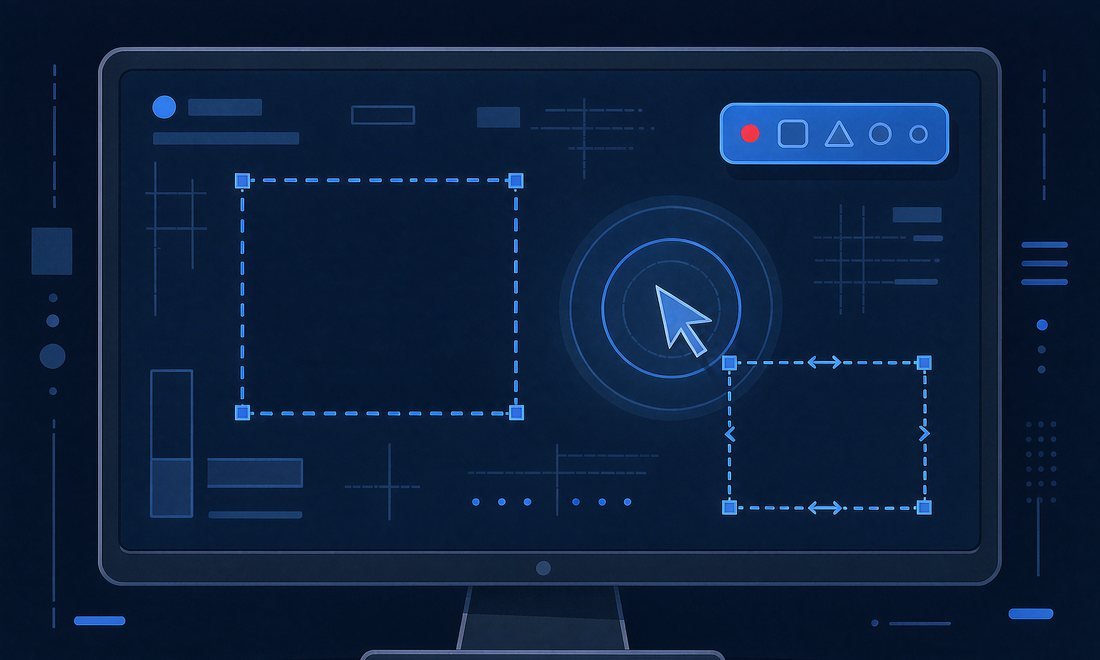
Screen Recorder gives you three ways to frame a recording. Pick a display by name, click a window, or drag over the exact region you want, then lock it to 16:9, 4:3, 1:1, or 9:16 for vertical video. Choose Standard, High, or Best at 24, 30, or 60 fps; the encoder keeps files small when the screen stands still.

recordit capture modes
recordit audio webcam

Clear Sound and Face: Make Tutorials Feel Personal

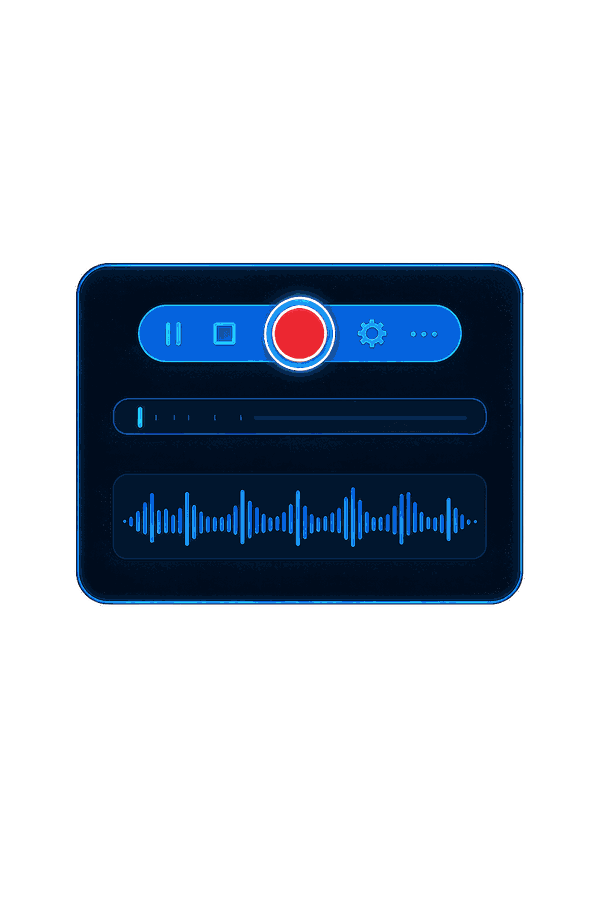
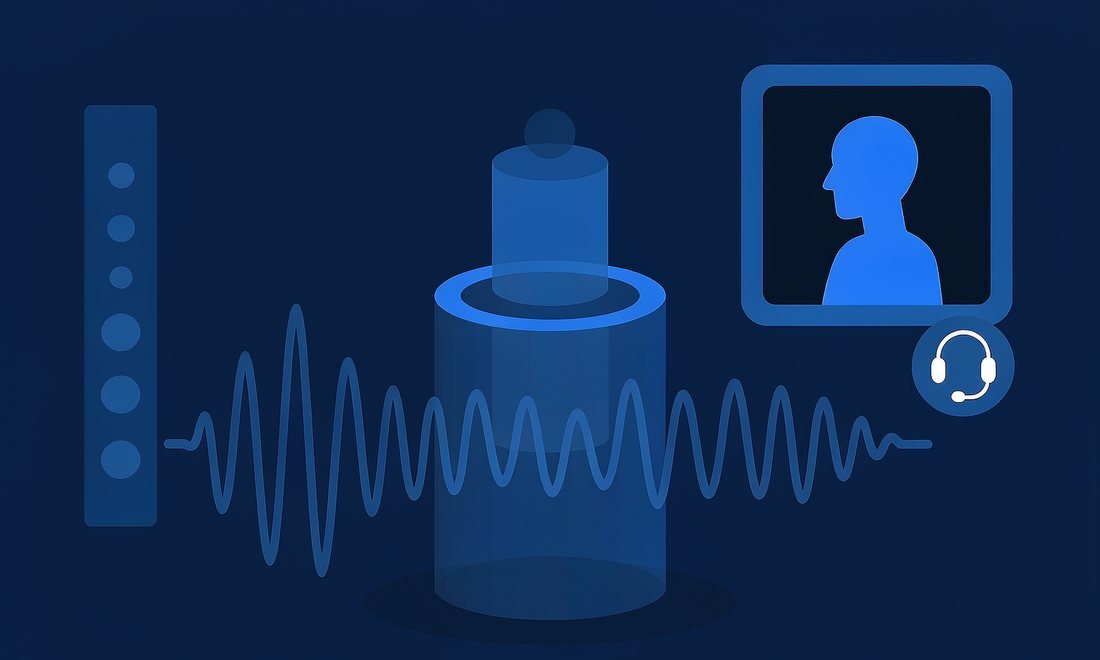
Screen Recorder captures system audio, your microphone, or both at once, with live level meters that show each source is working before you press record. On a Mac, its own audio driver records the sound playing inside the computer, something macOS cannot do by itself. Turn on the webcam for a picture-in-picture overlay, save the camera as a separate file, or record audio alone as MP3 or AAC.

With Screen Recorder, your voice, your face, and every on-screen sound arrive in sync and ready to share.

Polished Results: Edit and Share in Minutes

The built-in editor removes the last step between recording and publishing. Open any clip to trim the start and end, cut out a mistake, or resize the canvas for a specific platform, then export from 720p up to 4K.

Add a background image behind the video, place your logo as a watermark, or keep the webcam in its own layer so you can move, resize, or hide it later. Screenshots work the same way: capture a window or region as PNG or JPG, copy it straight to the clipboard, and paste it into a chat or document. Screen Recorder’s clean, offline workflow keeps every recording on your own computer, so lessons, contracts, and unreleased demos stay private from capture to export.

recordit editor screenshot

Why Choose Screen Recorder

It’s time to record your screen without compromises

No Pop-up Ads
GPU-Accelerated 4K
100% Offline Capture
30-Day Money Back

Our Users Love Fonkik Screen Recorder!

I run back-to-back client calls and used to lose the details that mattered. Screen Recorder lets me capture a whole meeting with system audio and my notes on screen, then trim the first two minutes of setup before I send it to the team. The files are small enough for email, and nobody has to install anything to watch them. It has quietly become the tool I open first every morning.

User avatar 1
Emma
Project Manager
Record Last is the reason I switched. I can play for an hour without filling my drive, and when something worth sharing happens I stop and keep only the final thirty seconds in 4K at 60 fps. GPU encoding means my frame rate never dips, and I can drop the clip straight into my editor. For highlight reels it saves me more time than any other setting.

User avatar 2
Daniel
Game Streamer
Scheduling has changed how I prepare classes. I set a start and stop time for a live webinar, Screen Recorder captures it while I teach, and the recording is waiting for me afterwards with my voice and the slides in sync. Students who miss a session can review it the same evening, and the built-in trim tool lets me remove long pauses without learning a video editor.

User avatar 3
Priya
University Lecturer
Cursor highlights and the pen tool make my walkthroughs much easier to follow. I can circle a control while I am recording, preview the click ring colours beforehand, and show a small webcam window so the review feels like a conversation. Exporting a square version for social and a 16:9 version for our docs takes one resize, not a second project.

User avatar 4
Marco
Product Designer
Most of my day is reproducing bugs and explaining fixes. A ten-second screen recording plus a PNG screenshot copied straight to the clipboard tells a developer more than three paragraphs of notes ever could. Custom hotkeys mean I never break my flow to find a menu, and the floating bar stays out of the final video, which customers notice.

User avatar 5
Grace
Support Engineer
I publish tutorials twice a week, so anything that adds a step costs me hours. Screen Recorder records my screen, microphone, and camera together, and I can cut a mistake, add a background, and place my logo before exporting. Nine interface languages also help when I collaborate with editors abroad. It is the rare screen recorder that feels fast and still gives me control.

User avatar 6
Sofia
Content Creator

Try Fonkik Screen Recorder Now

Screen Recorder is a lightweight desktop tool that lets you capture any window, region, or full display in a few clicks. With its clean design, GPU-accelerated 4K output, and built-in editor, a quick idea becomes a shareable video right at your fingertips.