

All-in-one iOS System Recovery

Bring an iPhone, iPad, or Apple TV back to normal with iOS System Recovery; diagnose, repair, and restore iOS software safely at home.

  • Repair System Issues: Fix Apple logo loops, black screens, frozen displays, boot loops and failed updates in a few guided steps.
  • Keep Your Data: Standard Mode repairs common iOS, iPadOS and tvOS faults while preserving photos, messages and app data.
  • Enter Recovery Mode: Put a device into or out of Recovery Mode with one click, free and without touching hardware buttons.
  • Manage iOS Versions: Upgrade or downgrade iOS without a developer account, iTunes, a jailbreak, or a Wi-Fi connection.
  • Reset and Restore: Factory reset a locked device without a passcode, or back up and restore data without iTunes or iCloud.
iOS System Recovery product illustration

Everything You Need to Recover

iOS System Recovery stands out with its cautious defaults and clear progress reports. It is built for anyone who needs reliable iOS system repair software, and features like Standard Mode, one-click Recovery Mode and matched firmware downloads make a stalled device easy to bring back.

Standard Mode

Repairs more than 150 iOS, iPadOS and tvOS faults while keeping photos, chats and app data in place on the device.

No Jailbreak

Every repair runs through signed Apple firmware, so the device stays supported, updateable and covered by its warranty.

One-Click Recovery Mode

Enter or exit Recovery Mode in a single click, free of charge, even when the physical buttons no longer respond.

Matched Firmware

The tool identifies the exact model and installs the matching IPSW package, avoiding the errors that follow a wrong download.

iTunes Error Fix

Clears the connection and restore faults that make iTunes or Finder fail, without reinstalling the desktop software.

Offline iOS Updates

Upgrade or roll back to a still-signed iOS version without Wi-Fi, a developer account or a computer-side iTunes library.

Diagnose First: See the Problem Before You Repair

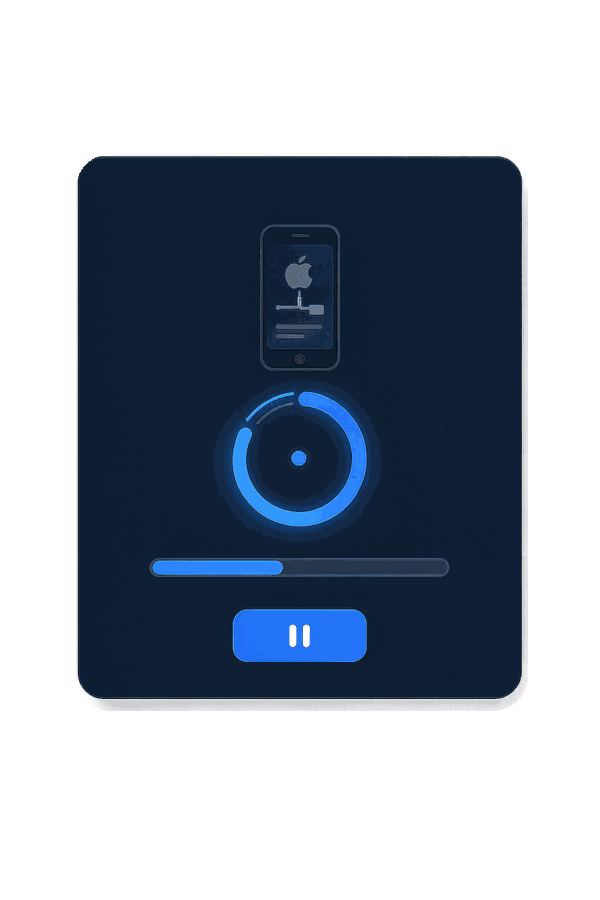
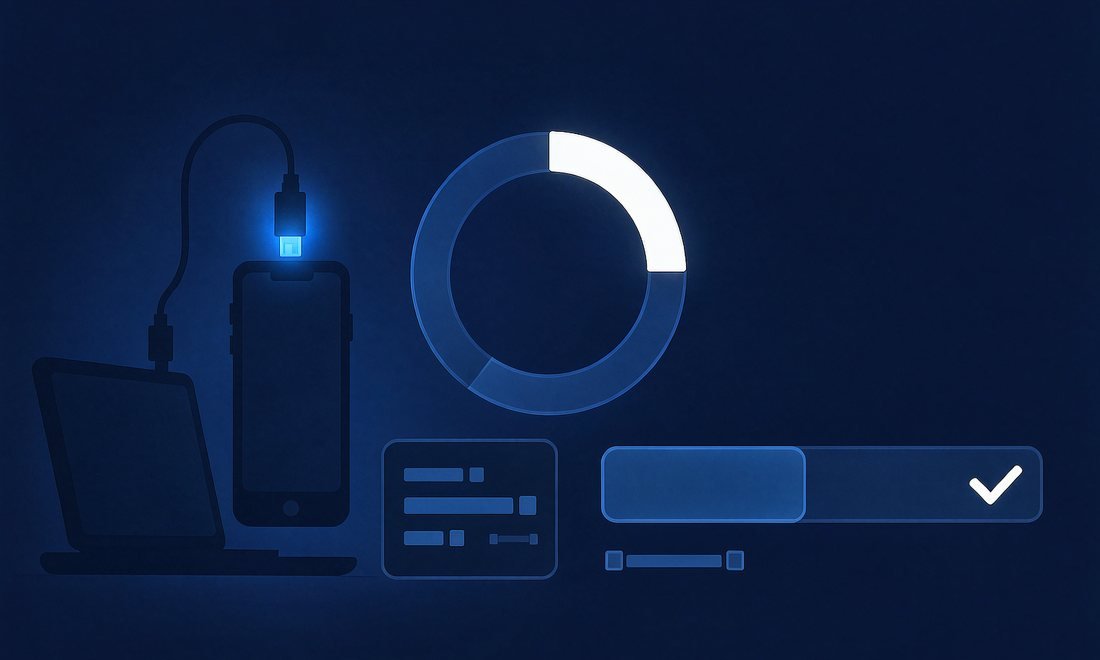
iOS System Recovery starts by reading the connected device and naming the fault in plain language. Connect an iPhone, iPad or Apple TV over USB, choose Standard Mode, and the tool reports the model, installed iOS version and the issue it detected, from a boot loop to a failed update. It then downloads the firmware package matched to that exact device and verifies it before writing anything. You see each stage on screen, so a stalled device becomes a repair you can follow instead of a trip to a service counter.

iOS System Recovery product illustration

One-Click Recovery Mode: Free, Safe and Reversible

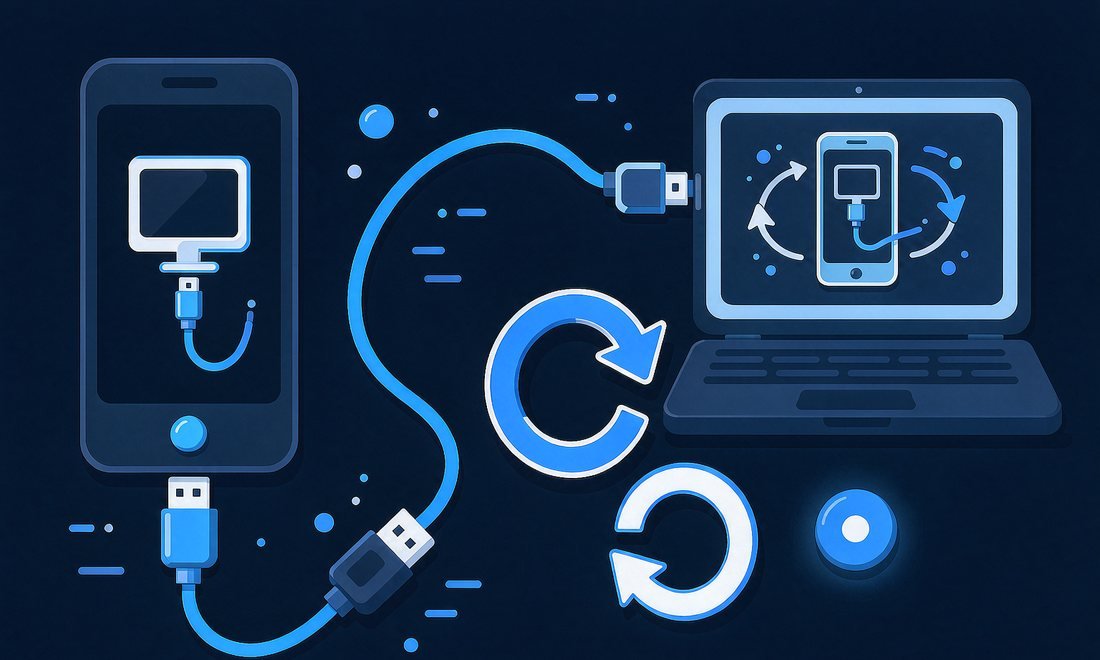
A device stuck on the Recovery Mode screen used to mean memorising button sequences for each iPhone generation. iOS System Recovery enters and exits Recovery Mode with one click, and the feature is free to use on its own. Nothing is erased while the device moves in or out of this state, so you can try a restart, a backup or an update before committing to a full repair.

With iOS System Recovery, the same screen also works when a side or volume button is damaged and the usual key combination cannot be pressed.

Keep the Data: Backup, Restore and iOS Version Control

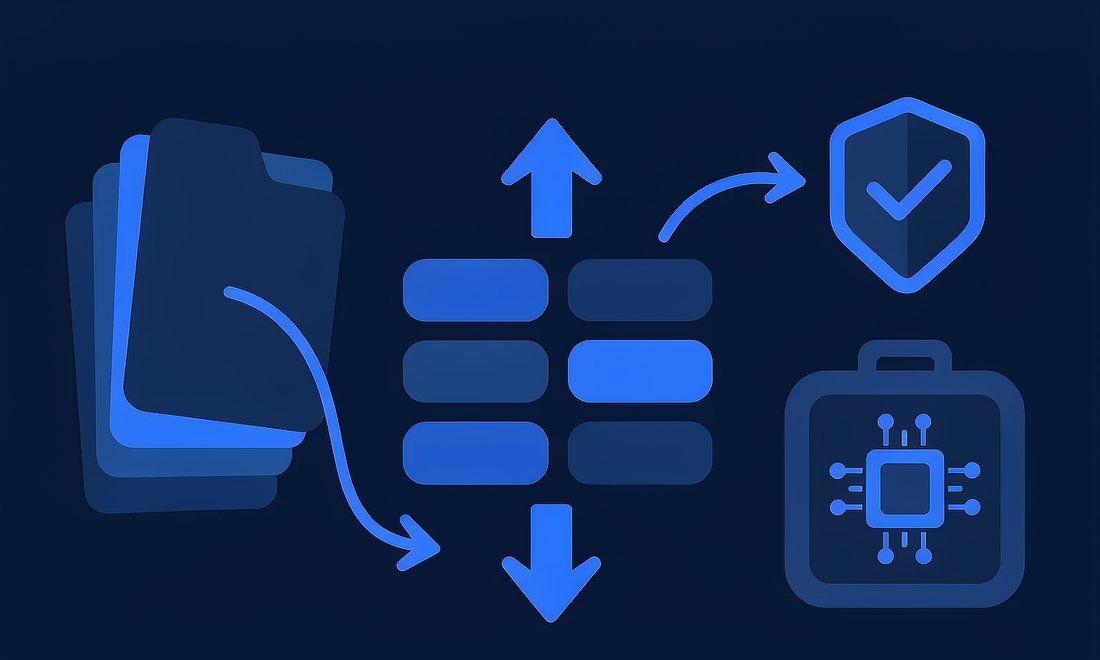
Standard Mode is the default because it repairs the operating system while leaving personal files alone. Photos, messages, notes and app data stay in place, and the tool writes a log of what changed. Before a version change, you can make a local backup and restore it afterwards to the same device or a new one, without iTunes or iCloud.

iOS System Recovery can also install a still-signed iOS version to move a device forward or back when an update causes trouble, without a jailbreak or a developer account. Advanced Mode performs a full factory reset even when the passcode is lost, clearly warning that this step erases everything.

iOS System Recovery product illustration

Why Choose iOS System Recovery

It’s time to repair your device without guesswork

No Data Loss in Standard Mode
No Jailbreak Required
100% Offline Repair
30-Day Money Back

Our Users Love Fonkik iOS System Recovery!

My phone froze on the Apple logo the morning a supplier was due to call, and I had no recent backup of the order notes. iOS System Recovery diagnosed the failed update, downloaded the matching firmware and had the phone back before lunch. Nothing was erased, and the on-screen steps were plain enough that I did not need the repair shop.

User avatar 3
Chloe
Online Shop Owner
I look after a small pool of shared iPads, and one came back stuck in a restart loop after an update. Standard Mode cleared it without wiping the inspection forms stored on the device. The activity log is the part I value most: I can show exactly what ran and when, which keeps our handover notes honest.

User avatar 6
Marcus
Field Technician
A black screen two days before a wedding is not something you can ignore. iOS System Recovery recognised the model straight away, and I could see the firmware download and verification before anything was written. The repair finished with every photo still on the phone, and I went into the shoot with a backup made locally that evening.

User avatar 1
Amelia
Wedding Photographer
I could not get into Recovery Mode because the side button on my old iPhone had stopped clicking. The one-click option in iOS System Recovery did it from the computer, and it cost nothing. I used it again to leave Recovery Mode after checking my files, so a broken button no longer decides what I can do.

User avatar 5
Julian
University Student
Our front-desk iPad kept restarting every few minutes, and the appointment diary was only stored on the device. iOS System Recovery explained the problem before it started and finished in Standard Mode, so the diary was still there afterwards. I am not technical, but the steps were short enough to follow between patients.

User avatar 2
Nora
Clinic Receptionist
A beta update left my iPhone unusable and I wanted to go back to the stable release without a developer account. iOS System Recovery listed the signed versions, backed up the device first and restored everything once the downgrade finished. My lesson recordings and set lists came back exactly where I left them.

User avatar 4
Ethan
Music Teacher

Try Fonkik iOS System Recovery Now

iOS System Recovery is a lightweight desktop tool that diagnoses and repairs iPhone, iPad and Apple TV system faults in a few clicks. Standard Mode, matched firmware and a clear log make a stalled device easy to trust.